
Restart a Team subscription
The organisation Owner can restart an eligible Team subscription from Team Billing.
- Sign in as the organisation Owner.
- Select the circle containing your initial, then select Team Billing.
- Select Restart Teams subscription.
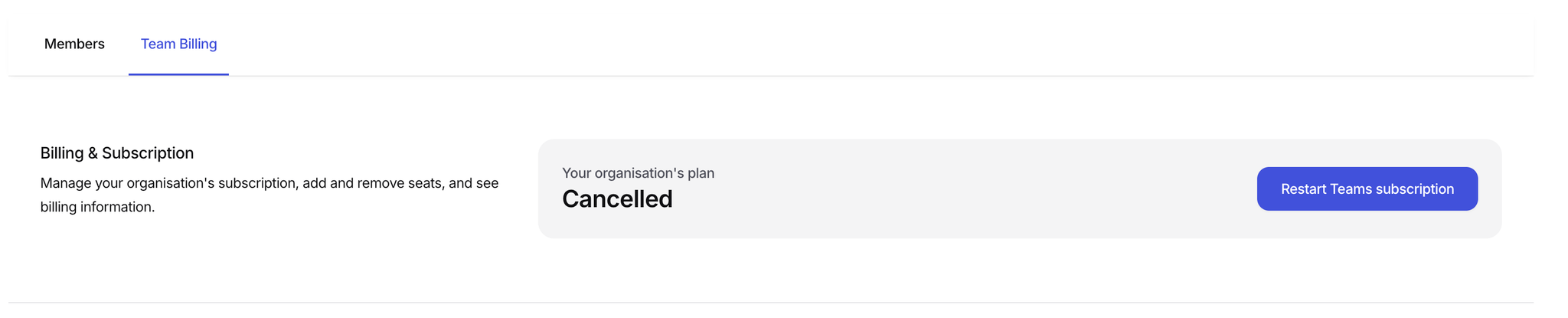
Start the restart flow from Team Billing.
- Review the organisation’s members and invite more if needed.
- Select Review subscription details.
- Review, add or update the payment method.
- Select Restart subscription now.
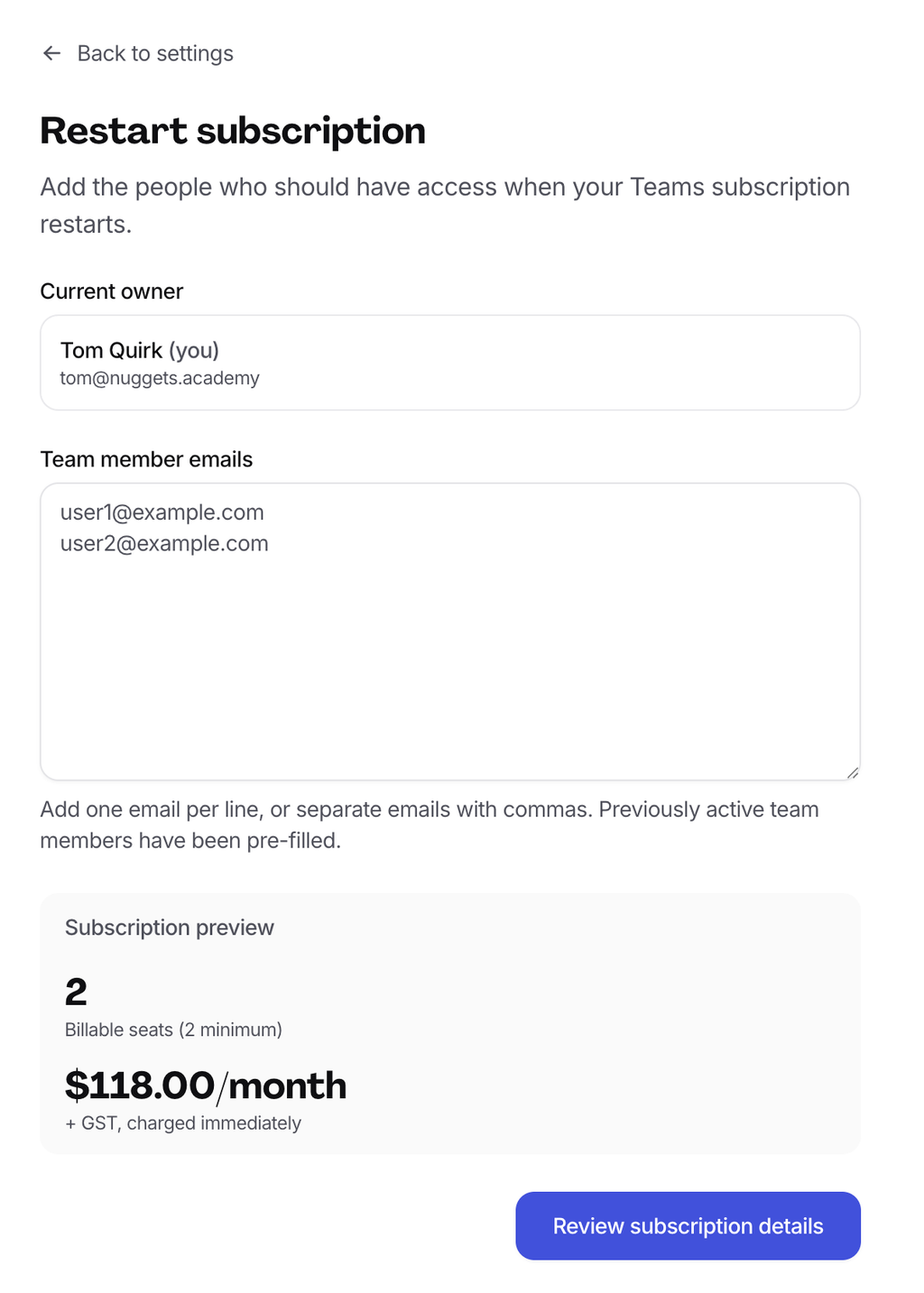
Review members, payment method and subscription details before restarting.
Check for an active Solo subscription
Restarting Team does not necessarily cancel a separate Solo subscription. Cancel the Solo subscription if you no longer need it to avoid overlapping charges.