
View and export Team CPD reports
Organisation Owners and Admins on an active Team or Firm plan can review member watch time and export Team CPD data.
- Sign in to Tax Nuggets Academy.
- Select the circle containing your initial, then select Team CPD.
- Use the date selector to choose the reporting period.
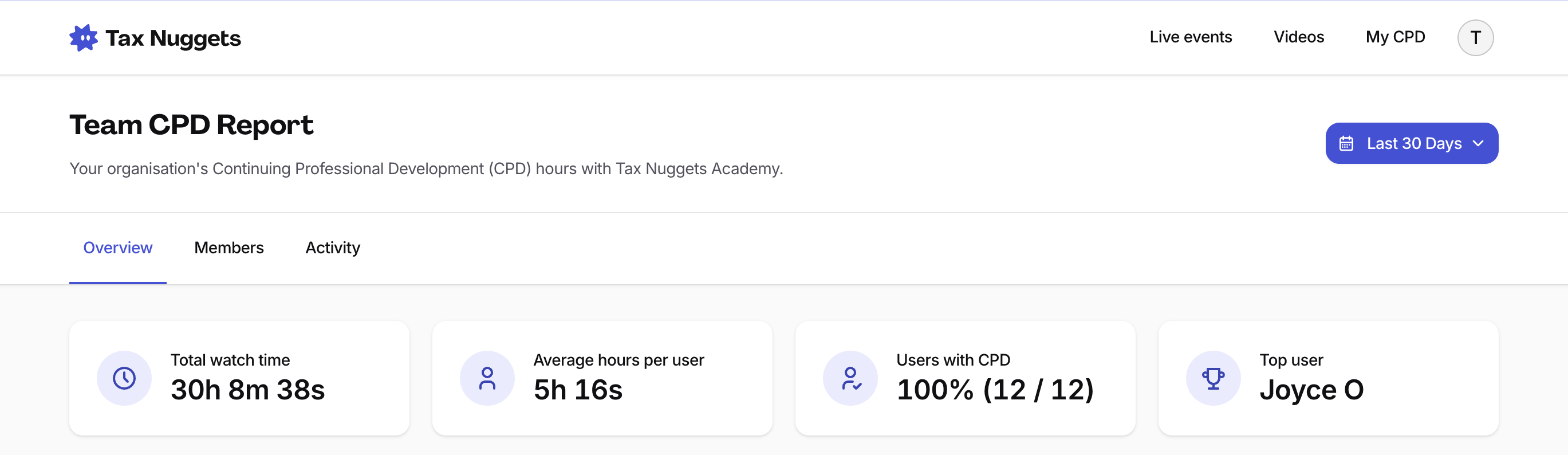
Use the report tabs and date selector to focus the results.
Overview
Overview shows a summary of organisation CPD activity for the selected period.
Members
Members shows each member’s total watch time. Select a member to inspect their activity, or select Export CSV to download member totals.
Activity
Activity contains three views:
- All Activity lists member activity across videos and Live Events.
- By Video groups activity by title.
- Group Sessions lists Group CPD Session reports.
Find a member or title
- Open Activity.
- Use Search members, emails or titles to narrow the results.
- Select Export CSV to download activity for the selected date range.